What is Kite?
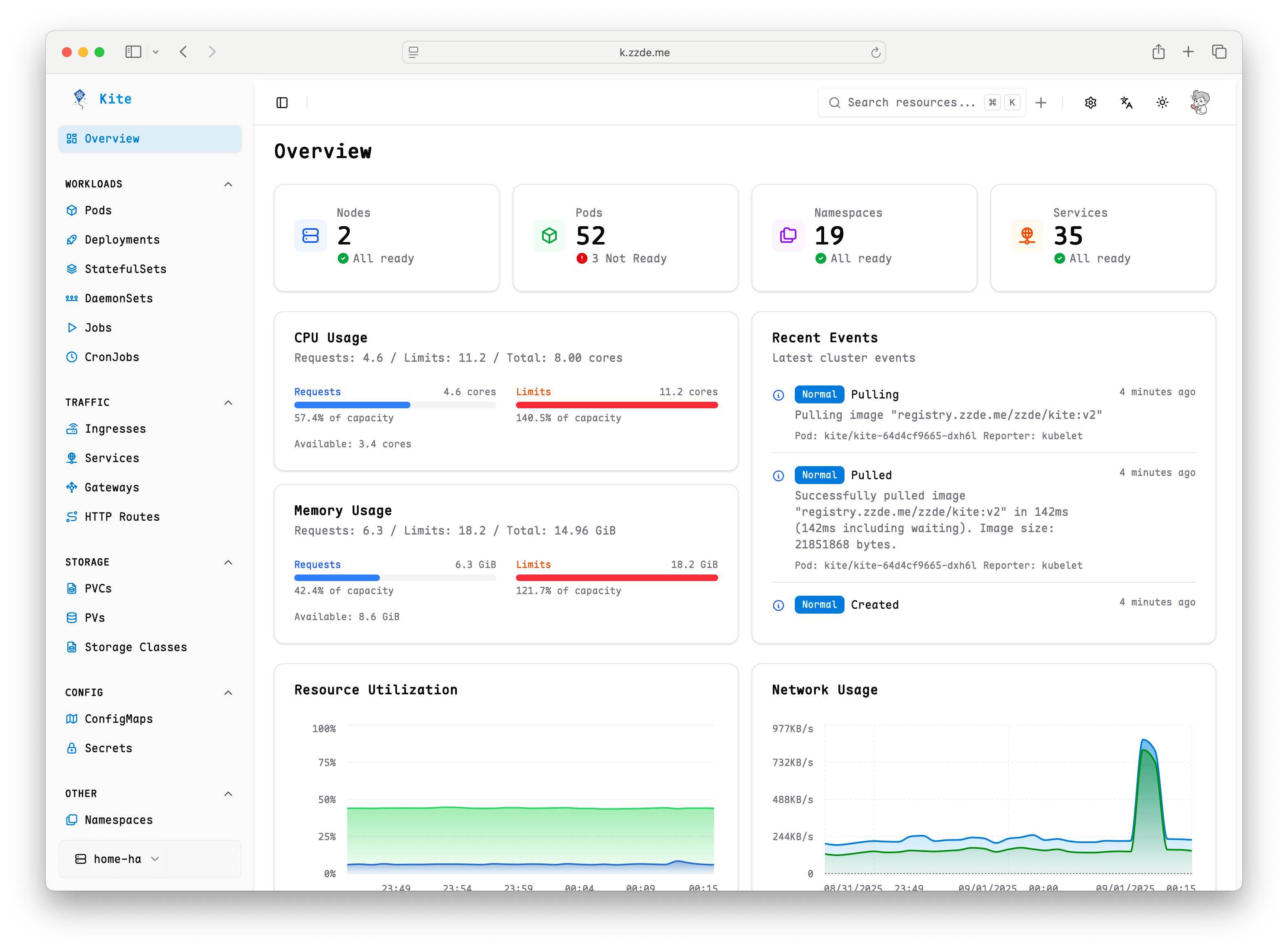
Kite is a lightweight, open-source Kubernetes workspace for platform teams. It brings multi-cluster operations, observability, access control, and AI-assisted troubleshooting into one interface.
Start here
Fastest evaluation path
Install Kite with Helm, use port forwarding for the first visit, then connect the in-cluster Kubernetes API. You can complete the initial setup without preparing a kubeconfig.
- Install Kite and open the dashboard.
- Set up users and RBAC before inviting your team.
- Connect Prometheus when you are ready to add cluster metrics.
Find the right guide
- Find any resource quickly: Global Search
- Understand a workload and its dependencies: Related Resources
- Investigate a running Pod: Logs and Web Terminal
- Track cluster health and usage: Monitoring
- Install and manage releases: Helm Management
- Review resource changes: Resource History
- Troubleshoot with an AI agent: AI Assistant
- Connect private or remote clusters: Kite Cluster Agent
Platform at a glance
Observe
Use real-time CPU, memory, and network charts, live Pod logs, events, and resource relationships to move from a symptom to its context.
Operate
Create and edit Kubernetes resources, manage Helm releases, open Pod and Node terminals, run kubectl, and access workloads through Kube Proxy.
Govern
Manage team access with OAuth, MFA, passkeys, users, RBAC, role mappings, and audit logs across multiple clusters.
Where Kite fits
Headlamp and Kubernetes Dashboard are strong tools for inspecting and operating individual clusters. Kite adds a shared workspace for multi-cluster operations, built-in team governance, observability, and AI-assisted workflows.
If you are evaluating Kite, continue with the installation guide.